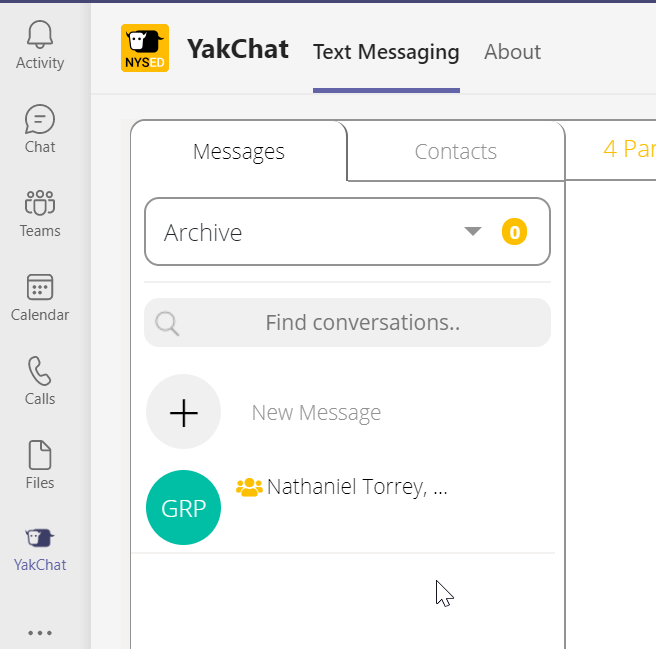
To unarchive a conversation in YakChat and put it back in My Inbox follow these steps:
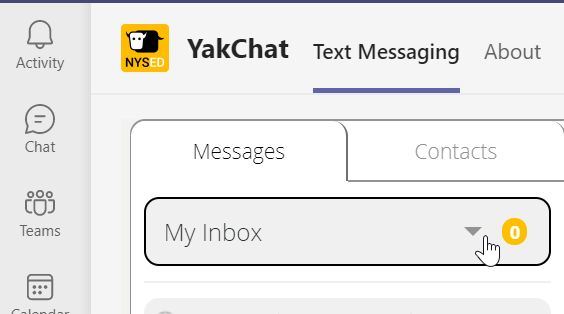
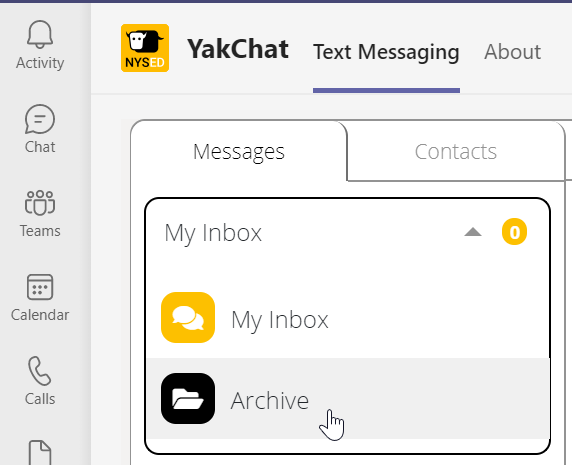
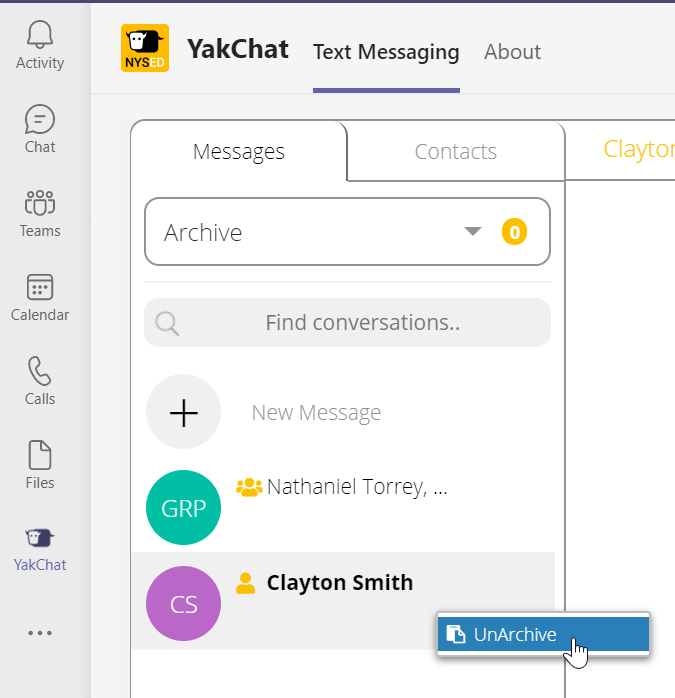
1. Select the dropdown for My Inbox and change it to Archive.
2. Select the conversation by clicking on it. Make sure it highlights in grey.
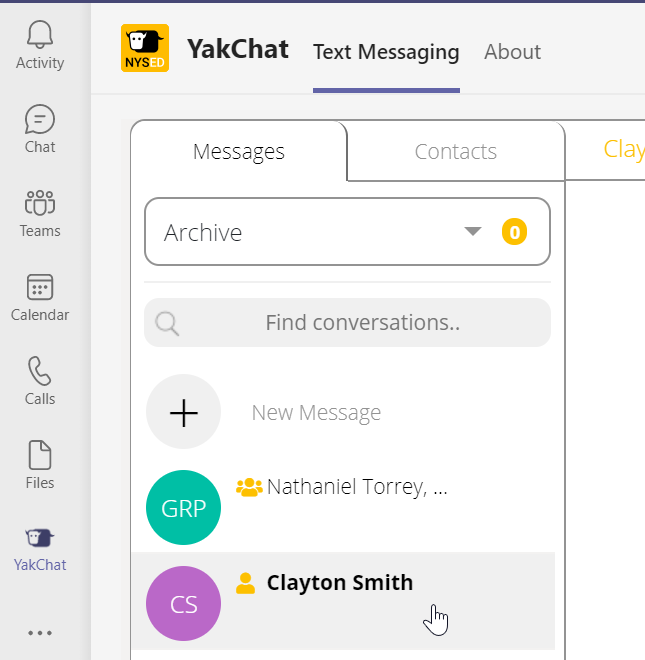
3. Now you can right-click and select UnArchive.
4. Your conversation with that person is now moved from the Archive box to My Inbox