If you encounter any YakBot sign-in error or need to restart the Bot for any reason please follow these steps to restart YakBot.
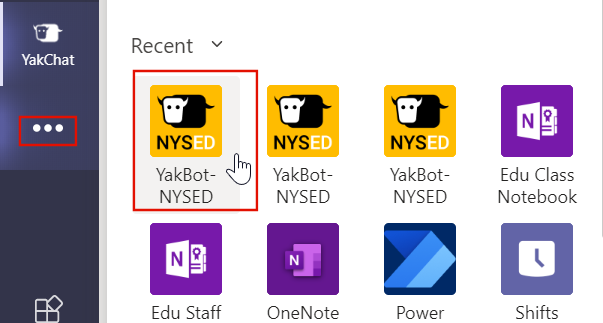
- Launch the YakBot from your Teams sidebar:
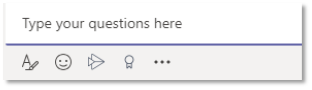
- In the Type your questions here field:
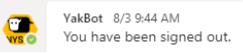
- Type signout, and this will sign you out of the YakBot

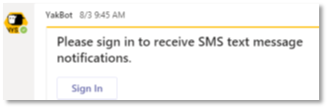
- Then type signin and the Sign In dialog box will display.

- Select your account to sign in:
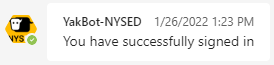
- Once signed in, the bot will respond: